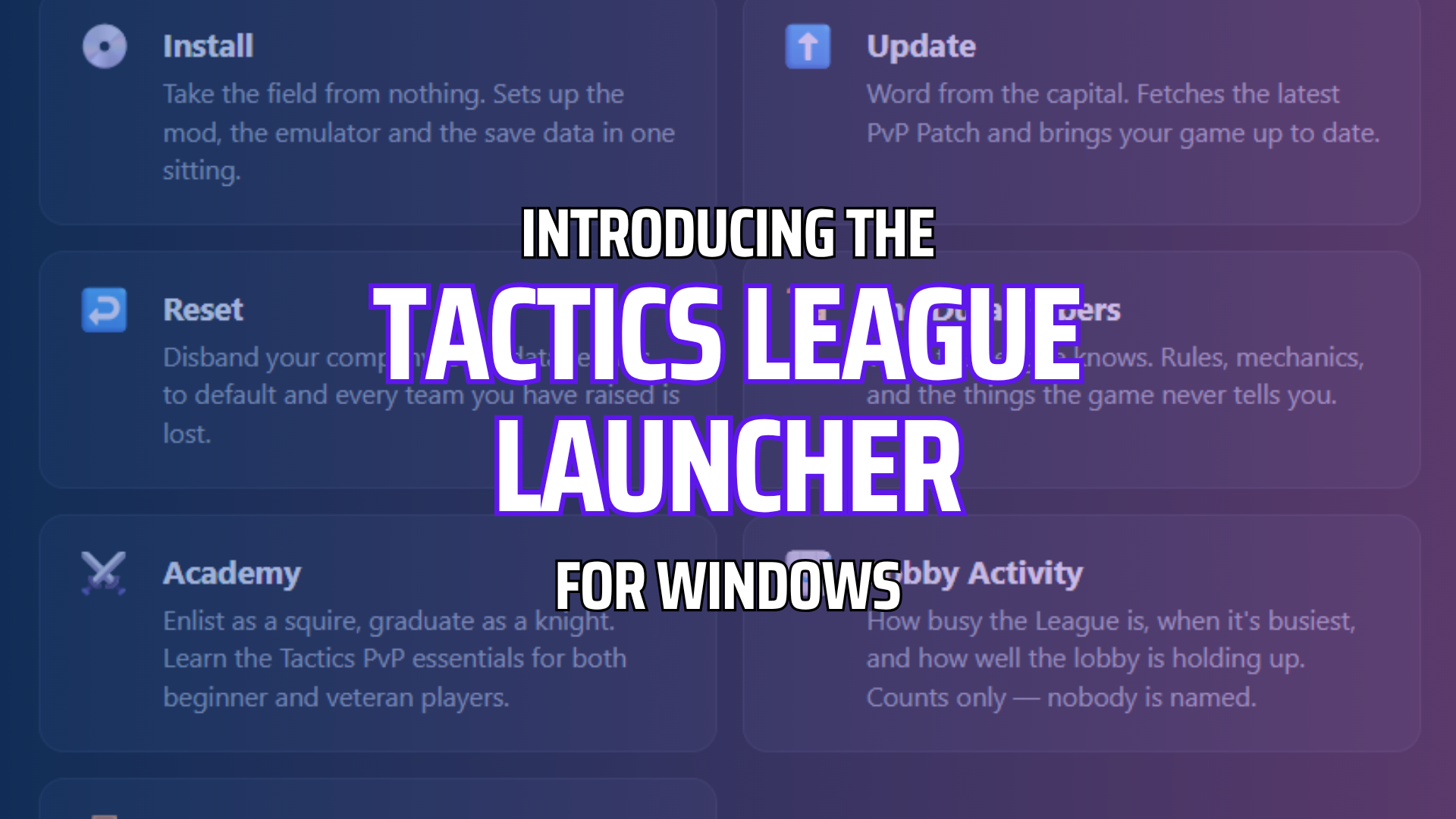
Introducing the Tactics League Launcher
The Tactics League Installer is a brand new app for Windows PCs that automates the setup process from start to finish from getting your FFT WotL patched with the latest version of the Tactics League mod, getting PPSSPP emulator installed including the networking settings for the relay server configured, installing the Tactics League save data, and even matchmake for battles directly via the app – just point to where your copy of USA FFT WotL (PSP) ISO is and the launcher will handle the rest, no computer skills needed!
Credits to @Cloud909 for the app development and a huge thank you to @Linblow over at socom.cc (website | Discord) for hosting our matchmaking server and the best relay server for PSP Ad Hoc gaming over the internet. It is wholesome to see the PSP community work together to make this come true!
You can grab the Tactics League Launcher (Windows .exe) here at Downloads!
As a precaution, the executable is not a publicly known app so your web browser may flag it as an uncommonly downloaded file in the meantime. You may need to select “Keep” or “Download Anyways” to successfully download it.
Install, Update, and Reset
We know it can be difficult to go through all the hoops just to play FFT online – the Tactics League Launcher streamlines the entire process of getting ready to play competitively or cooperatively without needing to read or watch tutorials; spend less time setting up and more time diving into the PvP Patch.
The Install option is the first stop – tell it where your FFT WotL ISO is or even have it scan select folders on your PC where it could be (only searches for .ISO format files) and it will walk you through the steps of getting patched up, the latest version of PPSSPP installed, setting your online username and configure the networking so that you can connect straight to socom.cc for online play, and install the save data needed for competitive balancing and team-building. Your original ISO is left as is and used as a copy to update for later use to avoid causing a malfunctioning game.
See that there’s a new PvP Patch update? Use the Update feature to check directly for it without needing to head over to the Downloads page or use RomPatcherJS or PPF-o-Matic tools to patch it. Tactics League Launcher does the PPF patching in-house for you using your base copy originally used for the installation!
Ever feel the need to reset your Tactics League save data teams or Rendezvous progress but unsure of where all the files are located? The Reset option handles that for you as well, with a warning, of course, before you commit to doing so.
The app also includes auto-update checking, allowing it to always be its best version once you have it downloaded the first time.


Matchmake, Battle, and see Activity via the Lobby
The Launcher, in part with socom.cc, brings about versus or cooperative matchmaking with others via the Lobby feature. Connect to the server, set the Tactics League format you wish to play, and you’ll see others connected to the lobby service as well; you can request to fight them (or co-op with them via Rendezvous) by using the Challenge feature or even randomly search for an opponent of the same format via Quick Match. All with notifications to boot so you know when a player is found.
The Lobby determines who is the Host of the game, when players should head to the Tavern in-game, and even provides the game settings used for Melee and Ruleset directly in the app so you know what to expect (or how to expect) your upcoming Melee.
And the best part: you and your opponent both can vote on what map, based on the format, that will be played, allowing for a more tailored experience for the battle ahead.
You can even see the official lobby status, detailing the number of players online, how many are actively in a match, and historical info that helps with determining peak hours so you know when the community is online and looking for games too via Lobby Activity.


Enlist in the Academy and Fast-Track Your Knowledge of Tactics PvP
The Academy is Tactics League’s learning courses to help fast-track you towards your first PvP game. We originally started Academy as a Discord channel to onboard new members, then branched into an educational course on YouTube, and now have integrated it directly into the Launcher to help train you in the essentials of Tactics PvP. Academy is a great tool for both novice and veteran FFT players to get up to speed, from team-building basics to eventually using the Launcher’s Lobby feature to battle another player online!

Study Battle Mechanics with the Durai Papers
The Durai Papers features all the collected intel and information the Tactics League and FFT communities have discovered about the original game and some of the changes introduced by the PvP Patch mod, so you can fine-tune your battle readiness when playing against another player or the AI. You can even look up topics via the search bar at the top of the screen.
Knowledge is power, especially for a strategy game, so the more prepared you are, the better you can adjust to the mod and all the intricacies that come with it and just with Final Fantasy Tactics in general.

The Tactics League Launcher is not a Community Replacement
The launcher’s sole purpose is to reduce the hassle of getting set up and playing, and to provide a way to battle or co-op without needing to be part of the Tactics League Discord or have a Discord account. Tactics League at its core is always community, and our Discord will always serve as the home for Tactics multiplayer.
Our overall goal is simple: expand the options and means to help get more people involved and experience FFT multiplayer so that our player base can grow stronger, lead to more live competitions, and highlight a feature that many sought after that didn’t even know really existed in the PSP version of Final Fantasy Tactics.
We hope the Tactics League Launcher serves as a stepping stone to something greater! Join the Tactics League Discord to share your thoughts about it, report bugs, or even discuss the PvP Patch mod in general here: https://discord.gg/W5CgtKd